Option 1 — Recommended
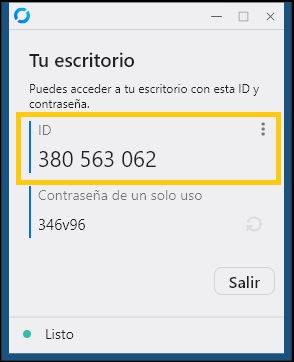
QuickSupport
Lightweight, no-install tool. Run it once and share your ID with the agent. No changes are made to your system — the agent will guide you through everything.
Download QuickSupport
- Download and run
JCMqs.exe(no installation needed). - Share your ID shown on screen with the agent.
- The agent will connect and guide you.
Option 2 — Full Client
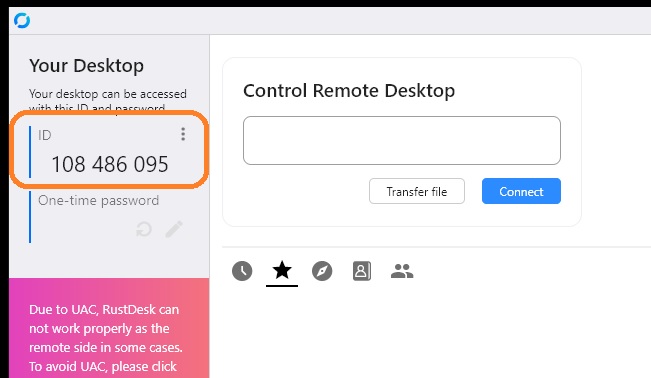
RustDesk Full Client
Pre-configured client that connects directly to our server. Suitable when you need a persistent, reusable remote-support setup. The agent will provide instructions after you install it.
Download Full Client
- Download and run
rustdesk-host=rustdesk.jcm-tech.com.exe. - Share your ID with the agent.
- Follow the agent's instructions.